
Why Designing for Mobile Matters More Than Ever
Designing for mobile means creating websites that prioritize the smartphone and tablet experience, ensuring fast load times, intuitive navigation, and effortless interactions on smaller screens. Here’s what you need to know:
Key Mobile Design Essentials:
- Start small, scale up – Design for the smallest screen first, then expand to larger devices.
- Touch-friendly elements – Use buttons at least 44-48 pixels with adequate spacing.
- Fast performance – Compress images and minimize code for quick loading.
- Simple navigation – Keep menus clear with 3-5 main options maximum.
- Readable content – Use legible fonts (minimum 16px) with high contrast.
- Mobile-first indexing – Google ranks your site based on the mobile version.
Ever tried to use a website on your phone, only to be met with tiny text and awkward buttons? That frustration is costing businesses real money. With nearly 96% of internet users on their phones and mobile devices making up over 62% of all web traffic, treating mobile design as an afterthought is a critical mistake.
This approach doesn’t just frustrate users—it directly hurts your bottom line. When visitors can’t easily steer your site, read your content, or tap your buttons on mobile, they leave. Those lost visitors represent lost sales, leads, and opportunities.
However, designing for mobile first is a genuine business opportunity. By prioritizing the mobile experience, you meet customers where they are, making it easier for them to find, trust, and buy from you.
Google understands this shift. They use mobile-first indexing, ranking your entire website based on how well your mobile version performs. A poor mobile experience doesn’t just hurt mobile rankings—it damages your desktop rankings too. The mobile-first revolution is already here.
I’m Jeff Pratt, owner of JPG Designs. For over 15 years, my team and I have helped businesses transform their digital presence with strategic mobile-first design. We’ve seen how designing for mobile properly increases leads, improves search rankings, and drives revenue for businesses across all industries.
The Mobile-First Revolution: Shifting Your Design Mindset
Picture this: You’ve built a gorgeous desktop website, but on a phone, it’s slow, the buttons are tiny, and the menu is confusing. The user gives up and goes to your competitor. This is the painful reality of retrofitting desktop sites for mobile—it’s like trying to squeeze a mansion into a studio apartment.
The mobile-first philosophy flips this approach. Instead of starting big and shrinking down, we start small and build up. We begin by asking: “What do our users absolutely need on their phone?” This constraint isn’t a limitation—it’s liberating.
Focusing on core content and essential functions first strips away the clutter. What remains is a lean, fast, purpose-driven experience. This is progressive improvement: you perfect the mobile experience first, then progressively improve it as screen size increases. Tablets get more features, and desktops get the full treatment, with each device receiving an optimized experience.
The opposite approach, graceful degradation, starts with a feature-packed desktop design and tries to cut things out for mobile. The problem is that it’s hard to untangle essential and optional features, often resulting in a slow, clunky mobile site that leaves crucial elements behind.
Designing for mobile first isn’t just smart strategy—it’s future-proofing your business. For more on how this adaptive approach works, check out our guide on Responsive Web Design: A Must-Have for Modern Websites.
What is Mobile-First Design?
Mobile-first design means we start the design process with the smallest screen. Before sketching a desktop layout, we consider the mobile user’s context: they might be in a store comparing prices, stuck in traffic looking for a phone number, or dealing with spotty cell service. This constrained environment forces us to clarify what matters most.
We ruthlessly prioritize. What is the one thing this page must accomplish? What is the clearest path for the user? Everything else is questioned. This process results in a foundation that is fast, focused, and genuinely useful. Only then do we scale up, progressively adding features and richer visuals for larger screens while keeping the core experience solid.
Mobile-First vs. Graceful Degradation
Understanding the difference between these two approaches is crucial.
| Feature | Mobile-First Design | Graceful Degradation |
|---|---|---|
| Starting Point | Smallest screen (mobile) | Largest screen (desktop) |
| Design Process | Builds up, adding features for larger screens | Strips down, removing features for smaller screens |
| Content Priority | Essential content first, then supplementary | All content included, then cut back |
| User Experience | Optimized for mobile, progressively improved for desktop | Desktop-focused, potentially clunky or broken on mobile |
| Performance | Inherently fast and lean on mobile | Can be slow and heavy on mobile due to loaded assets |
| SEO Impact | Positive, aligns with mobile-first indexing | Potentially negative if mobile experience is poor |
Graceful degradation starts with a fully-loaded desktop design and tries to trim it down. It’s nearly impossible to cleanly separate the essential from the optional, leading to a mobile site that loads slowly, looks awkward, and frustrates users. With over 62% of web traffic coming from mobile, this isn’t a minor inconvenience—it’s costing you customers.
Mobile-first avoids this trap. By starting lean, you ensure the mobile experience is the foundation, not an afterthought.
Core Principles for Effective Mobile Website Design
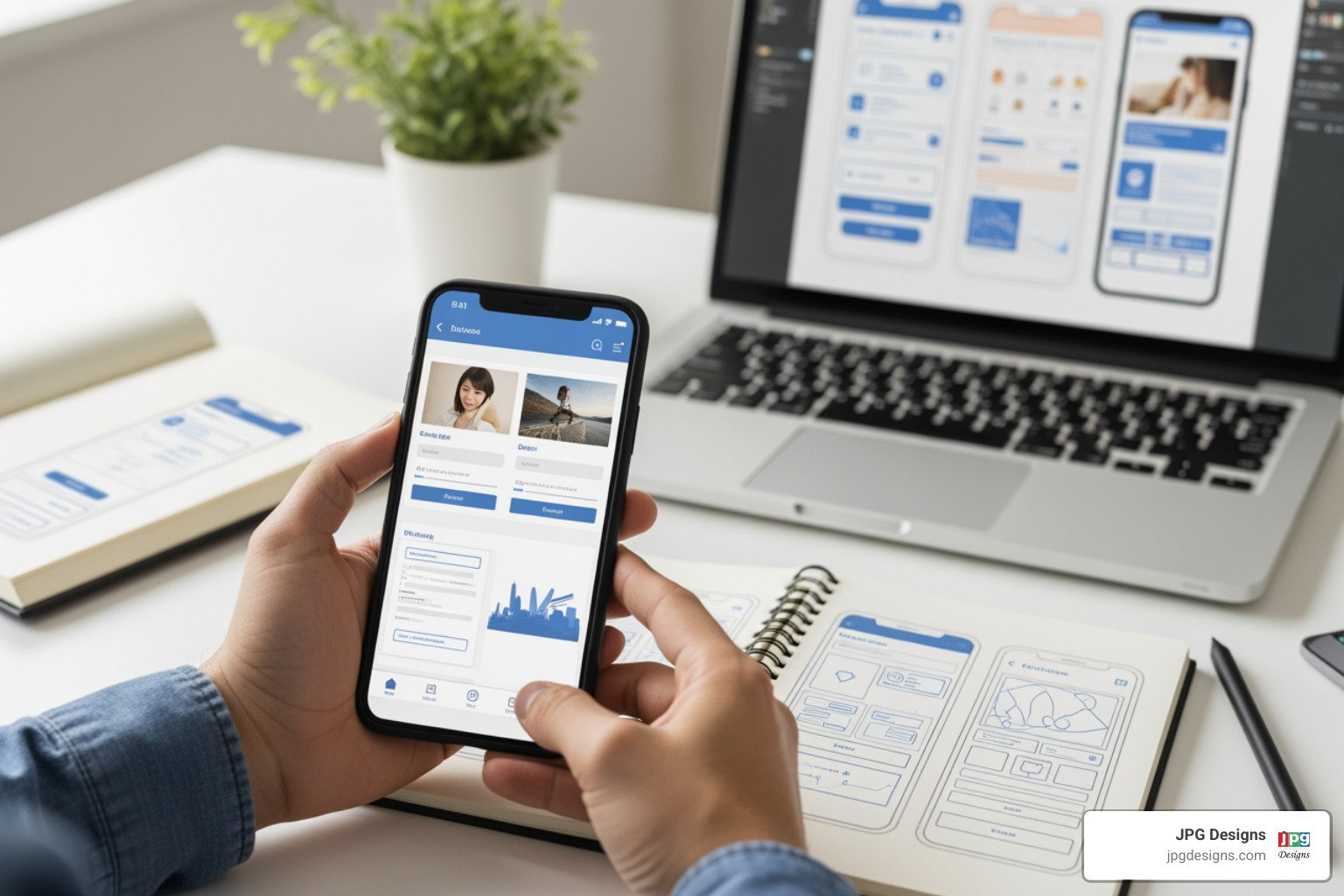
When designing for mobile, you’re designing for a user who is likely distracted, in a hurry, and dealing with a spotty connection. They aren’t leisurely browsing; they are task-oriented and expect things to just work. Our job is to make every interaction effortless and every piece of information immediately accessible.
Create an Intuitive User Interface (UI)
An intuitive UI anticipates user needs. The foundation is visual hierarchy, ensuring users instantly spot what matters most, whether it’s a “Buy Now” button or your phone number. We achieve this through simplicity and clarity, where every element serves a clear purpose.
- White space gives content room to breathe and guides the eye.
- Consistent branding across all screen sizes builds trust and reliability.
- Microinteractions, like a button changing color on tap, provide immediate feedback and make the experience feel responsive.
Streamline Navigation for Small Screens
Mobile navigation is where many sites fail. The goal is to reduce the number of clicks between your user and their destination, as every extra tap is a chance for them to leave.
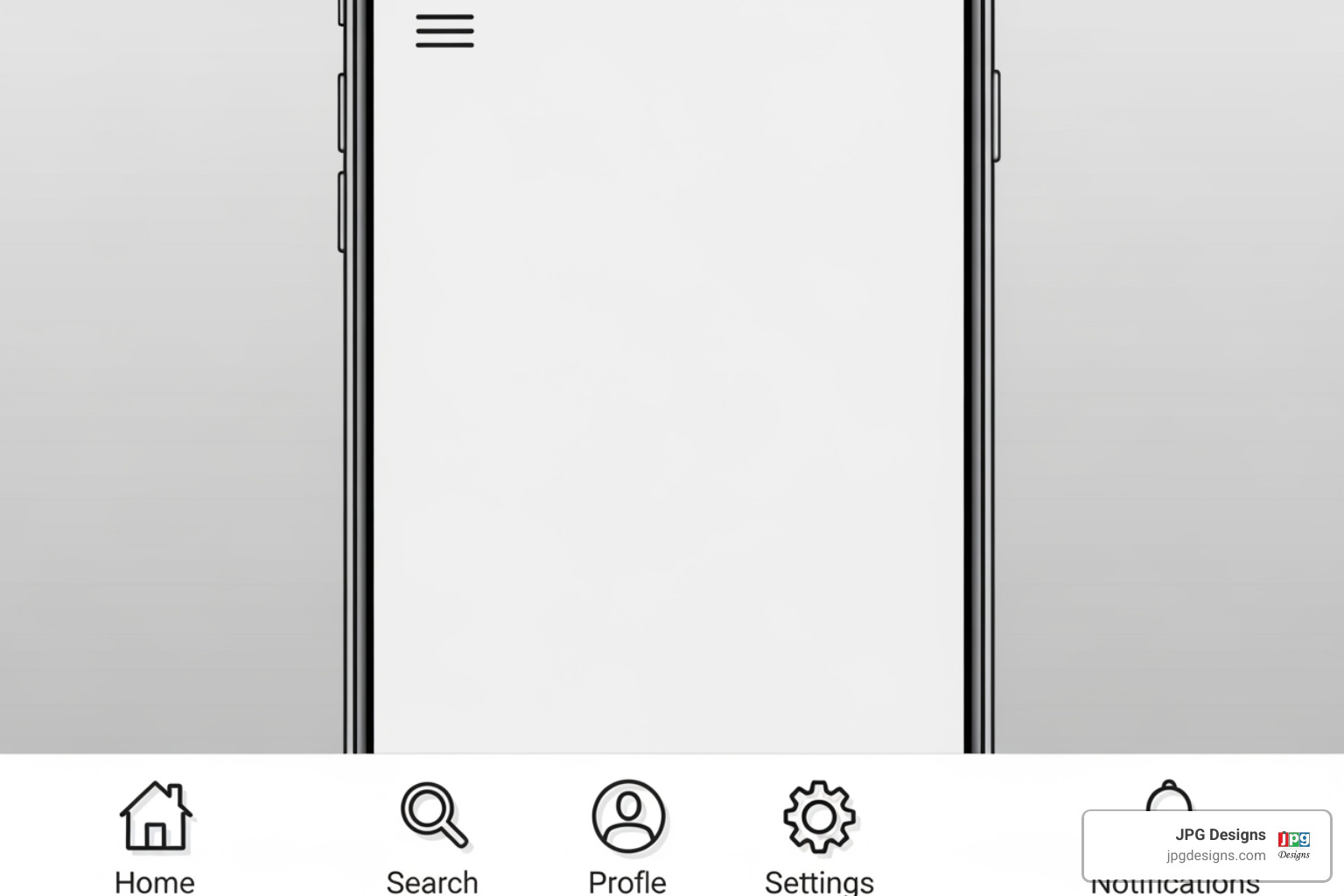
- Hamburger menus work well for tucking away secondary navigation, freeing up screen space. Ensure they are visually distinct and accessible. You can learn how to make a hamburger menu accessible for all users.
- Bottom navigation bars are ideal for 3-5 primary actions, as they sit where a user’s thumb naturally rests.
- Clear labels and recognizable icons eliminate guesswork. For long pages, in-page links or a “back to top” button prevent endless scrolling.
Optimize Content for Readability
Mobile users scan for information. Your job is to make that hunt as short as possible. Content prioritization means putting the most important information first, just like a news headline.
- Use bite-sized information: short paragraphs, bullet points, and clear headings.
- Legible typography is non-negotiable. Use easy-to-read fonts (at least 16px for body copy) and high contrast between text and background.
- Scalable fonts ensure text adjusts gracefully to different screen sizes.
- Avoid large blocks of text, which are intimidating on mobile. Chunk content into digestible pieces. These principles are fundamental to creating websites that drive results, as explored in our guide on the 7 Principles of Website Design That Drives Sales.
Designing for Touch: Make Interactions Effortless
People use their fingers on mobile, which are bigger and less precise than a mouse cursor.
- Large touch targets are essential. Apple recommends 44 pixels square, while Android suggests 48dp. Anything smaller is frustrating.
- Spacing between elements is just as important to prevent accidental taps.
- Forget hover-dependent features, as they don’t exist on touchscreens. Design with common gestures like tapping and swiping.
- Haptic feedback (a small vibration on tap) adds a satisfying physical confirmation to digital interactions.
Prioritize Accessibility and Inclusivity
Designing for mobile means designing for everyone. Accessibility is a fundamental part of creating websites that work for real people.
- Use color contrast checkers to ensure text is readable for users with visual impairments.
- Write descriptive alt text for images to help screen readers and search engines understand visual content.
- Use semantic HTML (e.g., using
<button>for buttons) to help assistive technologies understand your page structure. - Ensure every interactive element is operable via keyboard navigation for users who don’t use a touchscreen.
Why Designing for Mobile Boosts SEO and Sales
A well-designed mobile site doesn’t just make users happy—it directly impacts your bottom line. When a visitor finds your mobile site fast, easy to steer, and readable, they stick around. They explore. They trust you enough to take action.
This leads to measurable business outcomes. Bounce rates drop because people aren’t leaving in frustration. Engagement increases as they interact with your content. Most importantly, conversion rates climb, whether that means filling out a form, making a purchase, or calling you.
Google’s algorithms recognize when users have a good experience and reward those sites with better rankings.

The Critical Role of Mobile-First Indexing
Google now uses mobile-first indexing for virtually all websites. This means Google looks at your mobile site first when deciding how to rank you in search results—even for desktop searches.
If your mobile site is slow, clunky, or missing content from your desktop version, Google sees that as your “real” site. Your search visibility suffers across the board. A poor mobile experience doesn’t just hurt mobile rankings; it damages your entire online presence.
This is why designing for mobile is critical for SEO. It’s the foundation of your search strategy. Our guide on What is Mobile-First Indexing? breaks down exactly how this works.
Optimizing for Performance and Site Speed
Speed matters more on mobile than anywhere else. Potential customers are often on cellular connections with limited patience. If your site takes more than a few seconds to load, they’re gone.
Research shows that even a one-second delay in page load time can tank conversion rates. We optimize mobile performance through several techniques:
- Compressing images: Large photos are the number one cause of slow mobile sites.
- Minifying code: Removing unnecessary characters from HTML, CSS, and JavaScript files makes them smaller and faster.
- Reducing server requests: This speeds up the entire loading process.
A fast-loading mobile site is also a direct SEO ranking factor. Google rewards speed with better visibility, which means more traffic and more customers. For detailed strategies, explore our guide on Ways to Speed Up Your Website.
Common Mistakes That Sabotage Your Mobile Experience (And How to Fix Them)
Many businesses have websites that look great on desktop but fail on mobile. The issues are often the same and are easy to fix once you know what to look for.
Common mistakes include:
- Intrusive pop-ups that cover the screen and frustrate users. Google penalizes sites that use them aggressively on mobile.
- Tiny, unclickable links that force users to pinch and zoom.
- Illegible text that is too small, has low contrast, or is a difficult-to-read font.
- Horizontal scrolling, which signals a design that isn’t truly mobile-optimized.
- Slow-loading pages that test everyone’s patience and hurt SEO.
Ignoring Platform-Specific Conventions
iOS and Android users have different expectations for button styles and navigation patterns. When you copy UI elements from one platform to the other, it creates subtle friction. The user might not know why, but something feels off. Respecting these native patterns helps users feel at home on your site and keeps them engaged.
Overloading the Screen with Information
Designing for mobile requires making tough choices about what to include. Trying to squeeze an entire desktop experience onto a smartphone creates a cluttered interface where nothing stands out. Users feel overwhelmed and don’t know where to look first.
The solution is ruthless prioritization. Ask: “What does this user need to accomplish right now on their phone?” That content goes front and center. Secondary information can be accessed through clear navigation, not removed entirely.
Forgetting to Test on Real Devices
Emulators and simulators only tell part of the story. They’re great for initial checks but can’t replicate the real-world experience of using your site on a phone. They don’t account for screen glare, spotty connections, or the feel of touch interactions.
We always test across various screen sizes and operating systems, as an iPhone user’s experience can differ from someone on a Samsung or Pixel. Most importantly, gathering feedback from actual users is invaluable. They will find pain points you never considered because they use your site under real-world conditions. For more guidance, check out our Website Design Dos and Don’ts.
Frequently Asked Questions about Designing for Mobile
Is mobile-first design still relevant?
Absolutely, more than ever. Mobile-first design isn’t a passing trend; it’s the foundation of modern web design. With mobile devices accounting for 62% of all web traffic, ignoring mobile means ignoring the majority of your potential customers.
Crucially, Google’s mobile-first indexing means your mobile site is the primary version used for ranking your entire website. A strong mobile-first approach optimizes for performance, user experience, and search visibility by forcing a focus on what’s truly essential for the user.
Do I need a mobile app if I have a mobile-first website?
Not always. For most businesses in East Greenwich RI, Newport RI, and beyond, a well-designed, responsive mobile-first website meets customer needs. A mobile app might make sense only if you require specific features like:
- Offline access to content.
- Push notifications sent directly to users.
- Complex device integrations (e.g., advanced camera functions).
- A highly personalized, native experience.
Building and maintaining an app is a significant investment. For many, a superb mobile-first website can accomplish the same goals more efficiently. We recommend a thorough analysis of your business goals to determine if an app adds value beyond what a great mobile site can offer.
How does designing for mobile affect voice search?
Designing for mobile directly impacts voice search optimization. As mobile usage grows, so does our reliance on voice assistants like Siri and Google Assistant, especially for on-the-go, local queries.
To rank for voice searches, your mobile site needs:
- Clear, concise content that directly answers questions.
- Structured data (Schema Markup) to help search engines understand your content’s context.
- Fast loading times, as voice search users expect instant answers.
- Local SEO optimization, as many voice searches are for local businesses like “plumbers in Providence RI” or “website designers in Rhode Island.”
Focusing on these mobile best practices inherently improves your ranking for voice search. Learn more in our article on Web Design for Voice Search.
Conclusion
If there’s one takeaway from this guide, it’s this: designing for mobile is not optional. It’s the foundation of your online success, whether you’re serving customers in Providence RI, Coventry RI, or anywhere else.
Your customers are on their phones, making split-second judgments about your business. A clunky, slow, or confusing mobile experience sends them straight to your competitors.
We’ve covered how mobile-first design prioritizes what’s essential, leading to intuitive interfaces, streamlined navigation, and readable content. This approach directly impacts your bottom line. A fast, user-friendly mobile site improves your Google ranking, lowers bounce rates, increases engagement, and drives conversions.
The common thread is a relentless focus on your user’s needs. When you put your mobile users first, the results follow.
At JPG Designs, we’ve spent over 15 years helping businesses transform their digital presence with strategic, mobile-first design. We’ve seen how Effective Web Design Boosts Business, turning websites into powerful revenue drivers.
Your mobile experience is either opening doors or closing them. If you’re ready to stop losing customers and start capturing the opportunities that mobile-first design creates, we’re here to help. Let’s work together to lift your mobile presence and open up your business’s full online potential.